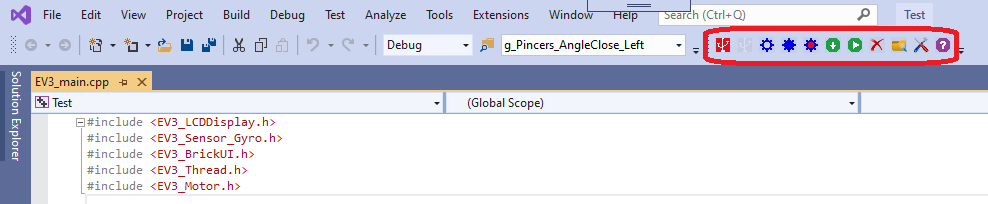
Show Lego EV3 Toolbar
Start MS Visual Studio after successful installation of Cpp4Robots Extension.
Verify that Cpp4Robots Extension is enabled.(How to enable Cpp4Robots Extension?)
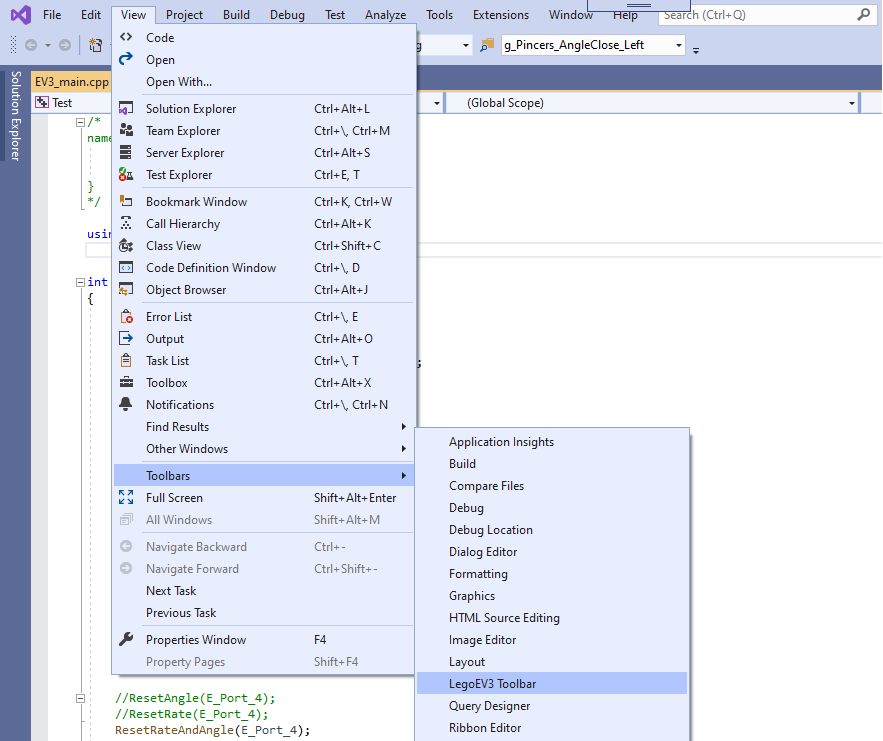
Choose View -> Toolbars -> LegoEV3 Toolbar from the main menu.
The new LegoEV3 Toolbar will be showed on the toolbar panel.